Major
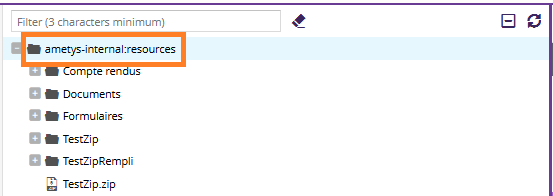
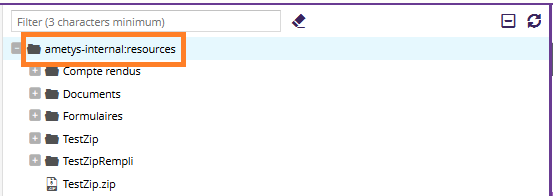
Major When uploading and extracting a zip file in root folder, the root folder looses its readable name, the technical name is displayed instead.
Steps to reproduce :
- Go to explorer tool (or content/page attachement tool)

- Select root folder
- Click on the button to add a new file
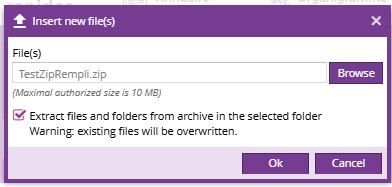
- Select a Zip
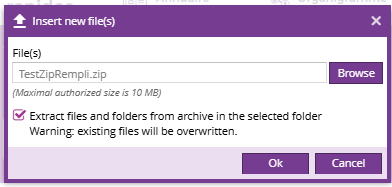
- In the dialog box, click the extract button
- The name of the root changes to its technical name
Reproductible on nightly and demo and on explorer tool (on both the "resources" and "common resources to all sites" roots) and attachement tool