Uploaded image for project: 'Workspaces'
  1. Workspaces
  2. WORKSPACES-2051

[Document Module] Frame size modification

XMLWordPrintable

    • Icon: Bug Bug
    • Resolution: Fixed
    • Icon: Major Major
    • 2.19.0
    • 2.19.0
    • None
    • None
    • 4.10 RC1
    • Oui

      Activate Only Office

      In Document Module select a word document and click on eye to open it. 
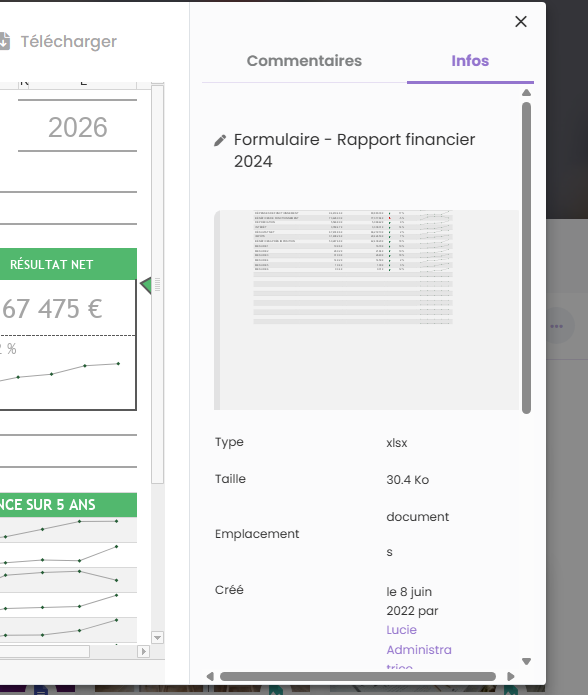
       

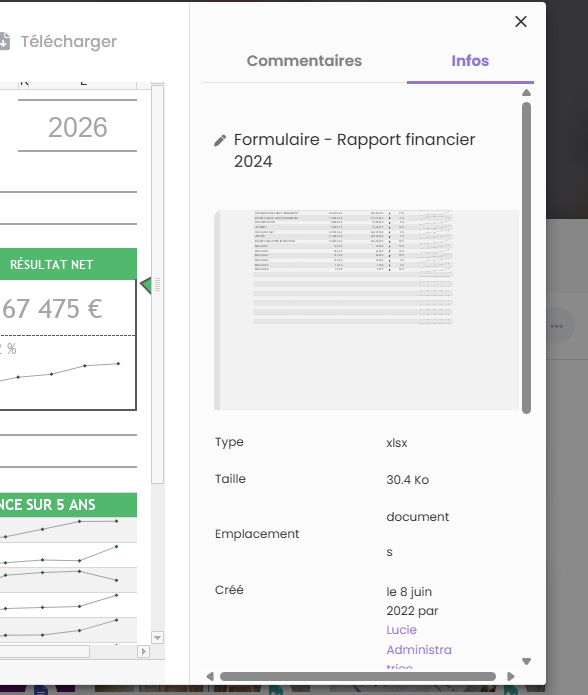
      Select "Info" Tab, then select "Comment" tab. 

      => Frame size is reduced, and then come back to initial size. 
            kbourgoin Kepa Bourgoin
            mfranchet Magali Franchet
            Kepa Bourgoin Kepa Bourgoin
            Votes:
            0 Vote for this issue
            Watchers:
            2 Start watching this issue

              Created:
              Updated:
              Resolved: